Governance
These pages cover governance controls and administrative access for a single institution instance.
Retention
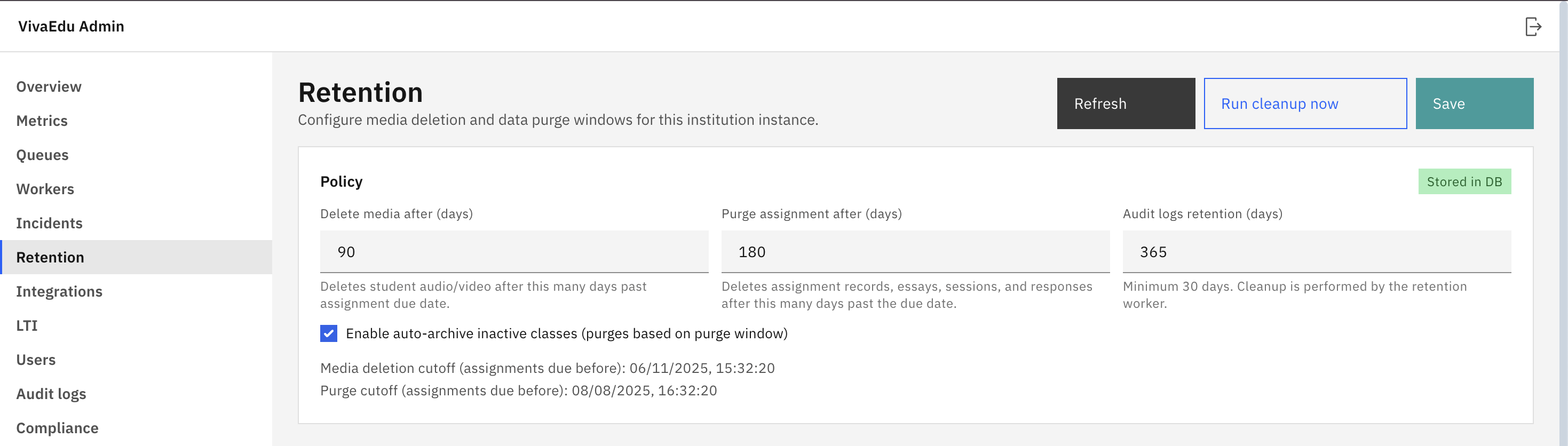
- Media deletion window: delete audio and video after a defined number of days past due date
- Purge window: purge older assignment records after a defined number of days past due date
- Audit log retention: keep audit logs for a defined number of days
Users
The Users page lists all accounts for this institution instance. From here you can create new accounts, generate password reset links, and revoke active sessions.
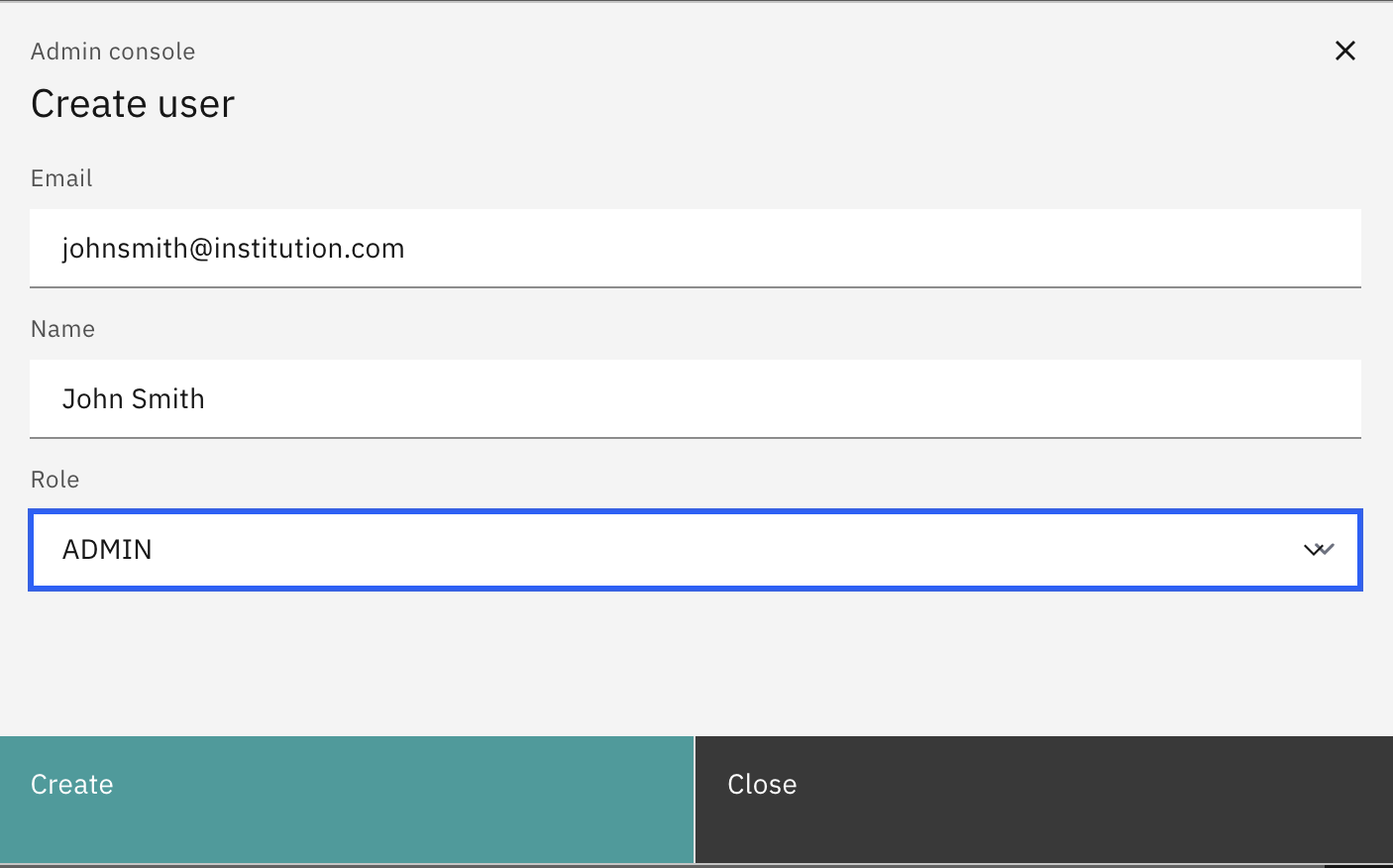
- Create users: provision admin or teaching accounts for this institution instance
- Password reset links: generate a one-time reset link to share with a user
- Revoke sessions: force sign-out across all devices for a user
Audit logs
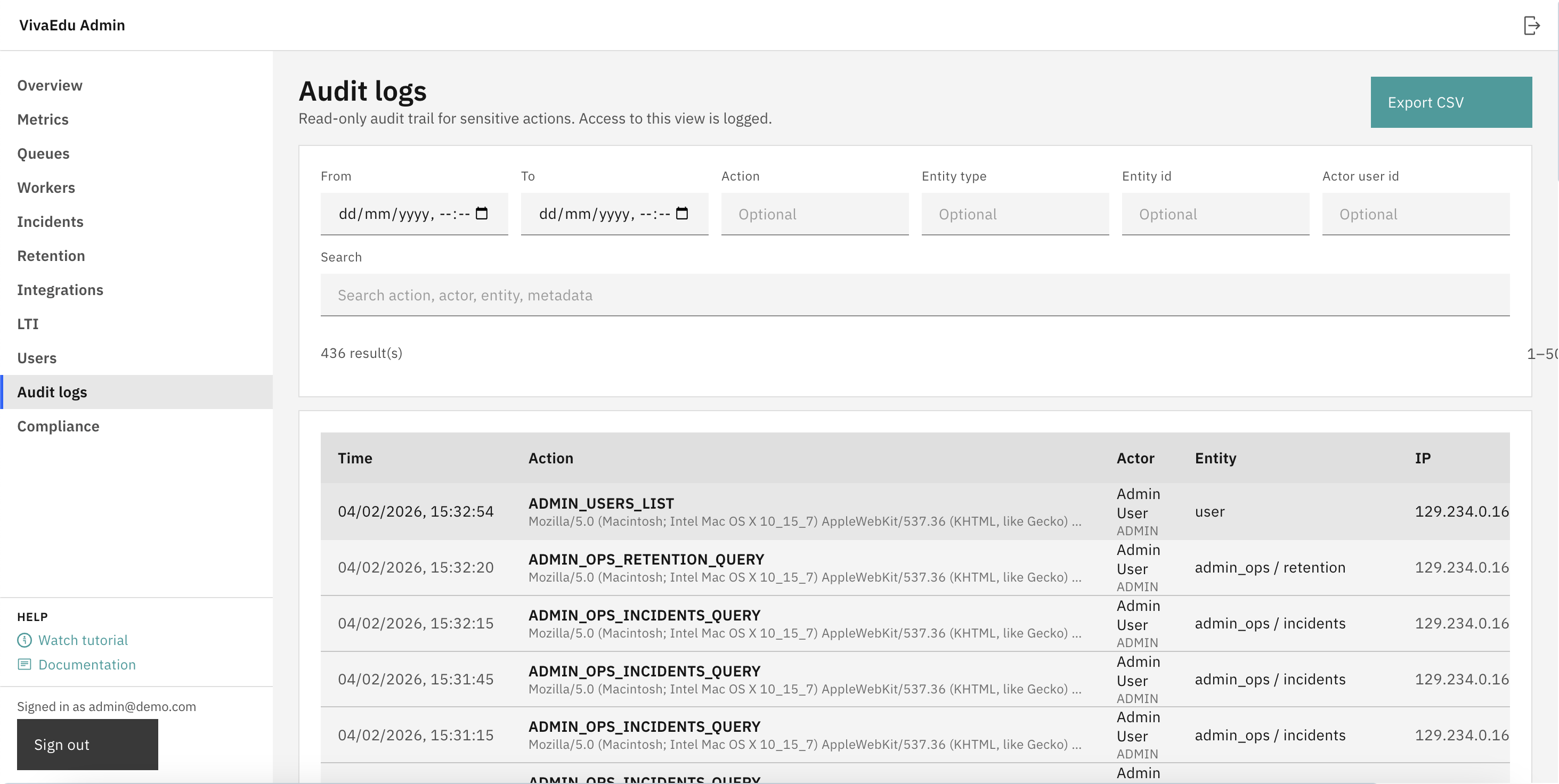
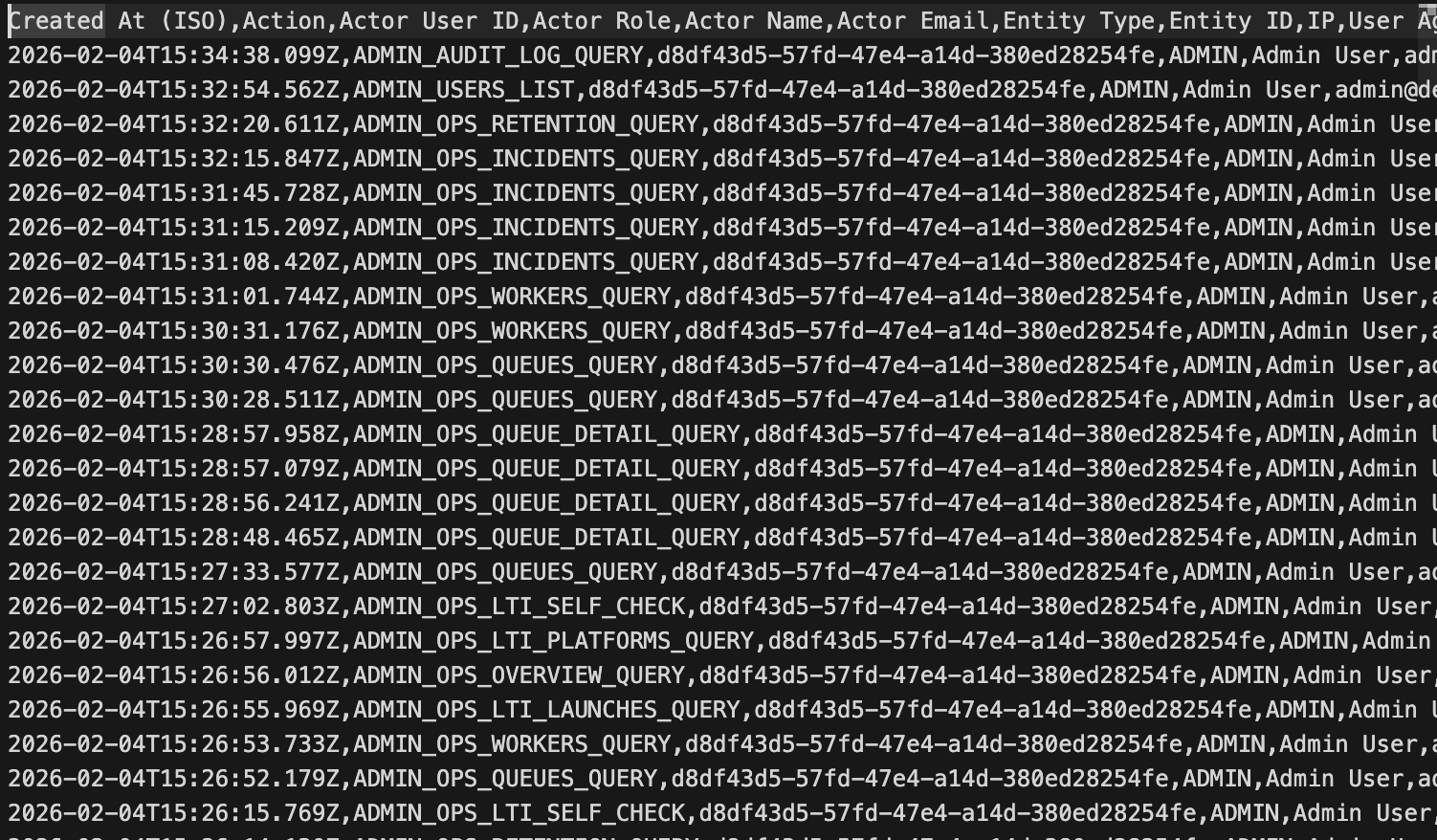
Audit logs record sensitive actions and administrative access. Logs are intended to be append-only in the UI. Retention is controlled by the institution's configured retention window, so export to CSV if your institution needs longer archives.
Comments
Leave a comment, question, or feedback. Comments are public — please don’t include personal data.